

我们定义一个子组件后,有时候还需要往子组件中插入 html,这时我们就需要用到 slot 。
基本用法
<div id="app">
  <child>
    <h1>Mr.Aing</h1>
  </child>
</div>
Vue.component("child", {
template: `<div>
            <p>Hello</p>
            <slot>默认内容</slot>
           </div>`
});

var vm = new Vue({
    el: "#app",
    data: {}
});
设置默认值
我们还可以设置默认slot的默认值。如果父组件中插入的 html没有值,然后可以在子组件中的 slot标签中写入默认值。
进阶用法
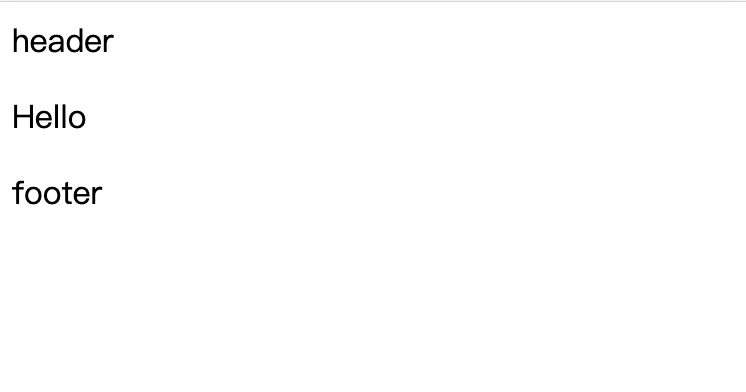
我们又有一个需求,在父组件中,我们需要在子组件中插入头部和尾部标签。这时我们就需要用 name 属性。
<div id="app">
  <child>
    <div class="header" slot="header">header</div>
    <div class="footer" slot="footer">footer</div>
  </child>
</div>
Vue.component("child", {
template: `<div>
            <slot name="header"></slot>
            <p>Hello</p>
            <slot name="footer"></slot>
           </div>`
});

var vm = new Vue({
    el: "#app",
    data: {}
});
新语法
<!--父组件-->
<child>
    <template v-slot:head="{ msg }">
      <p>new: i'm new slot -  {{ msg }}</p>
    </template>
</child>
<!--子组件-->
<div>
    <slot name="head"
          v-for="item in items"
          :msg=item
    >
    默认值
    </slot>
</div>
上述语法是新语法,注意双花括号和单括号的切换使用